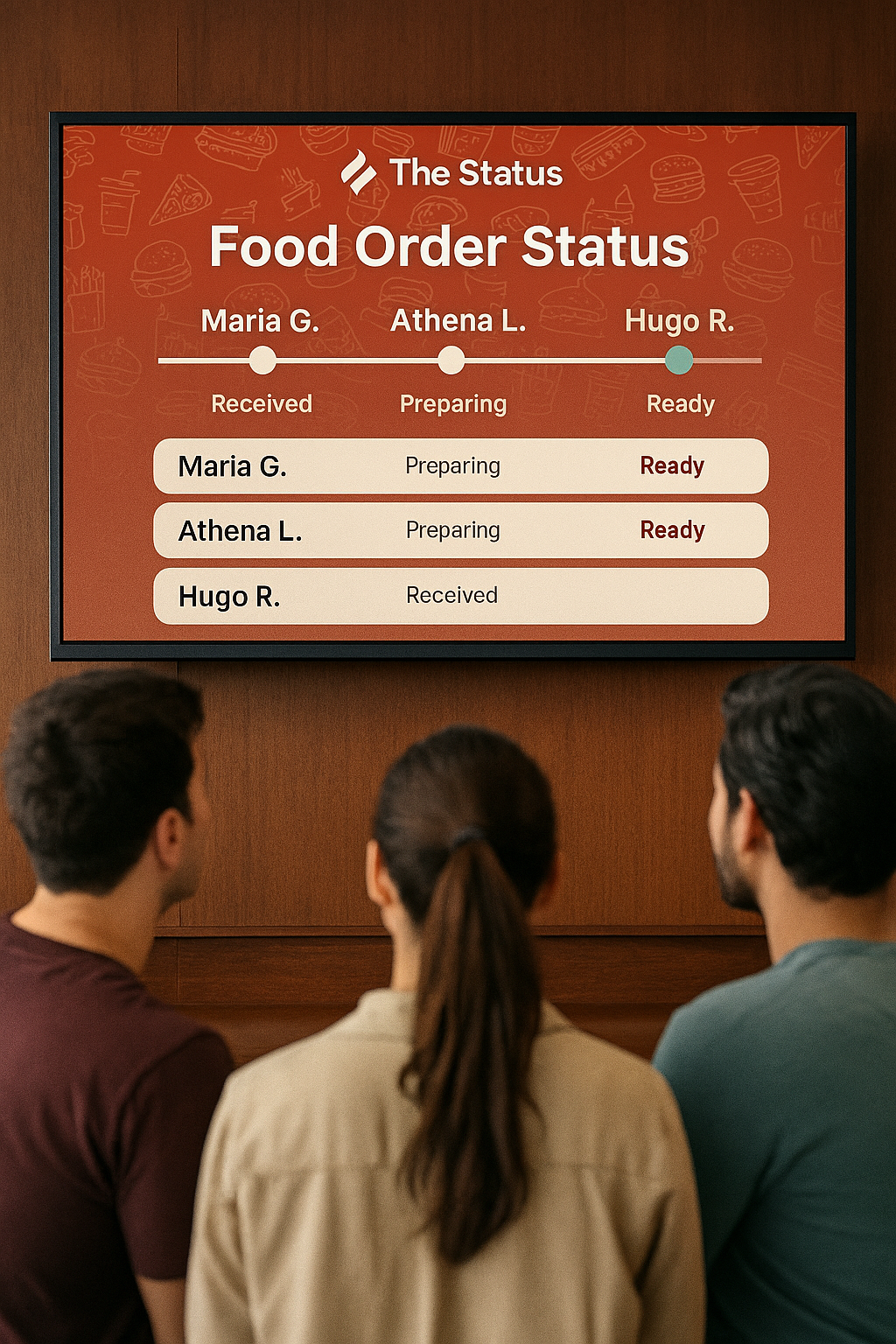
Order Status for Customer
1
Received
2
Preparing
3
Ready
How It Works
The Status keeps everyone in the loop — from the kitchen to the customer.
🍽️
1. Place Your Order
Customers order at the counter or kiosk. The order instantly appears in The Status system.
👨🍳
2. Watch It Prepare
The kitchen updates the status as your food is being prepared. Customers see progress live.
✅
3. Ready for Pickup
When the order is ready, the screen highlights it so customers know it’s time to grab their meal.
Live Order Status on Display
With The Status, your restaurant can show customers exactly where their food is in the process. Orders update in real time — from Received to Preparing to Ready — keeping everyone informed and reducing wait‑time confusion.
- ✔️ Clear, easy‑to‑read monitor display
- ✔️ Real‑time updates from the kitchen
- ✔️ Builds trust and improves customer experience